Why a Canva PPTX contains pictures
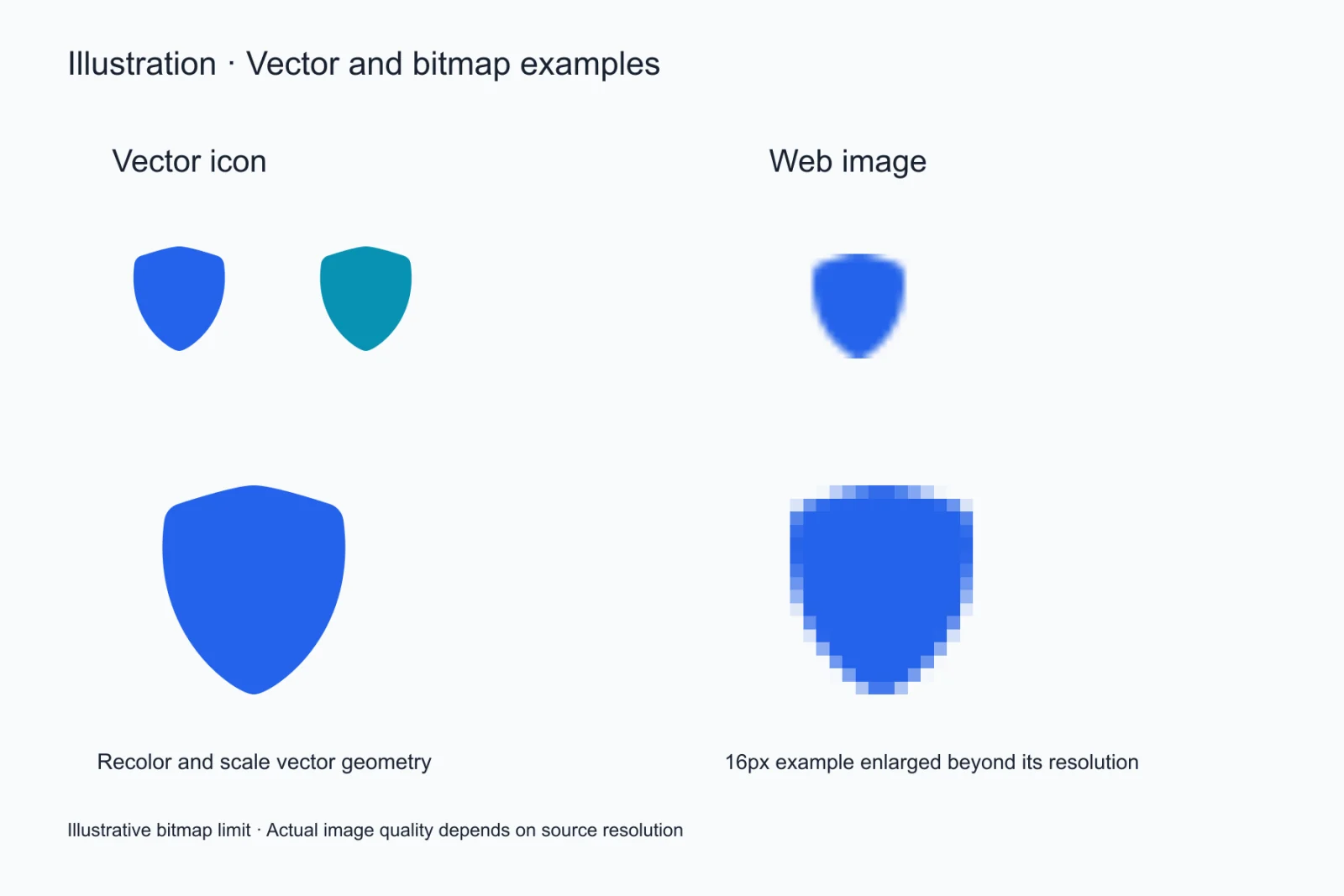
Canva writes the elements it can map into PowerPoint shapes and text boxes; the ones it cannot — blur, texture, complex gradients, some frames and effects — get baked into a bitmap and placed on the page. One file then ends up half editable and half painted.
What the Canva image to PPT converter does
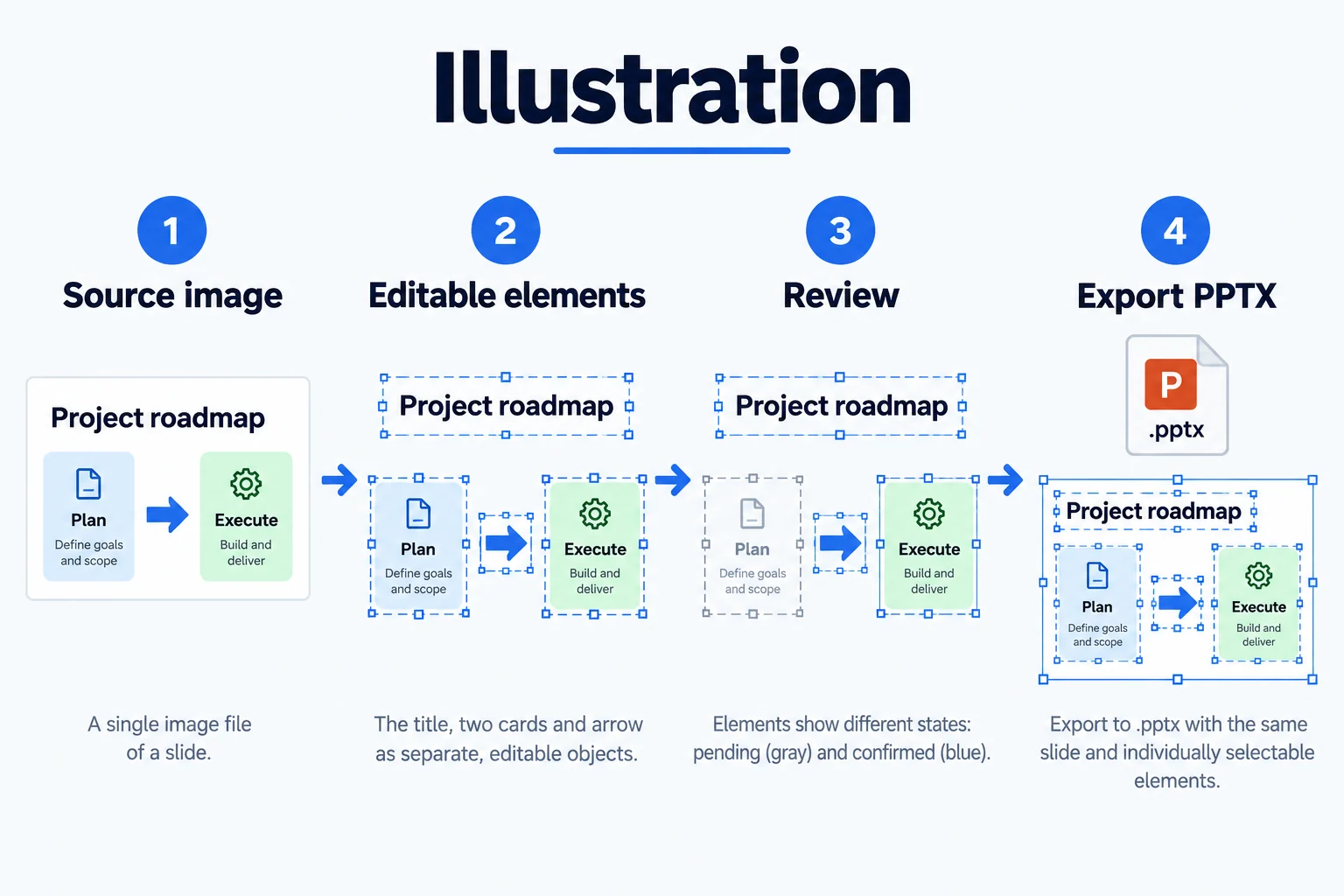
It drops your image onto a slide, possibly adding a layout and a caption. The picture stays a picture: no retyping the text, no recolouring, no layer to pull apart. If editable is the goal, that route only gets you to the starting line.
The other route to Canva to editable PPTX
Export the design as a PNG at the highest quality, tick transparent background if you need it, upload it, let text, shapes, tables and icons become separate objects, check the page in the editor and export a .pptx. The Canva file stays untouched; this route only produces an editable copy for you.
Which Canva designs convert well
Big-type posters, flat icon sets, card layouts, timelines and split comparisons convert best because their boundaries are clear and their geometry is regular. Photo collages, paper textures and heavy gradients lose detail and need a few manual fixes afterwards.
Which Canva export settings to use
Choose PNG over JPG, set the size to 2x or a custom 1920 width, and tick transparent background if the design needs it. Leave compression off, since it resamples pixels. For a multi-page design, export all pages at once and split them into single files before uploading.
Which Canva elements always arrive as pictures
Shadows, blur, gradients, texture fills, photos inside frames and most effect layers. This is not a limit of the conversion: Canva never wrote those into a structure PowerPoint understands. So a picture object in the result is not automatically a bug — it may be exactly what the design was made of.
How this fits into a team workflow
Keep the design maintained in Canva and hand a decomposed .pptx to colleagues who do not have Canva. Each file owns one job: the Canva file is the editable design source, the .pptx is what opens anywhere. Do not try to keep the two in sync — syncing costs more than editing them separately.
The Canva template does not come along
What comes back are the elements of one page, not a template: shared masters, page-number placeholders and brand fonts are not inherited. For a ten-page deck that has to look consistent, convert one page as a sample, confirm the layout works, then run the rest the same way. A Canva to editable PPTX pass gives you a page, and rebuilding the master is a separate job.
The Canva to editable PPTX checklist before you upload
Export at 2x, keep the background, and split multi-page designs into single files. Each step removes a class of repair you would otherwise do by hand: blurry type, a background baked into a picture, and pages stacked into one canvas. A Canva to editable PPTX pass cannot recover what the export already threw away.
Questions
Is the PPTX that Canva exports editable?
Partly. Elements Canva can map arrive as shapes and text boxes, and the rest land as pictures. Click a line of text in the export: if the whole block highlights, it is an image.
Does the Canva image to PPT converter produce editable elements?
No, it places the image on a slide and the image stays an image. Editable output needs the decomposition step, which is the Canva to editable PPTX route.
Do the Canva fonts survive the conversion?
They are not preserved as-is. Fonts get matched by visual characteristics to available ones, and swapping them all in PowerPoint after export is the easier fix.
Can I convert a Canva PDF export?
It has to become an image first. PDF text is selectable, but its layout is not PowerPoint objects, so the route is still PDF to image, then image to objects.
Can picture objects be split apart afterwards?
No. A picture is a bitmap, and decomposition only happens during the Canva to editable PPTX pass. To get those elements editable, remove the effect in the source design and export again.