Integrity check
Elements missed by the first pass are added back, and each finding is either fixed or surfaced by severity.
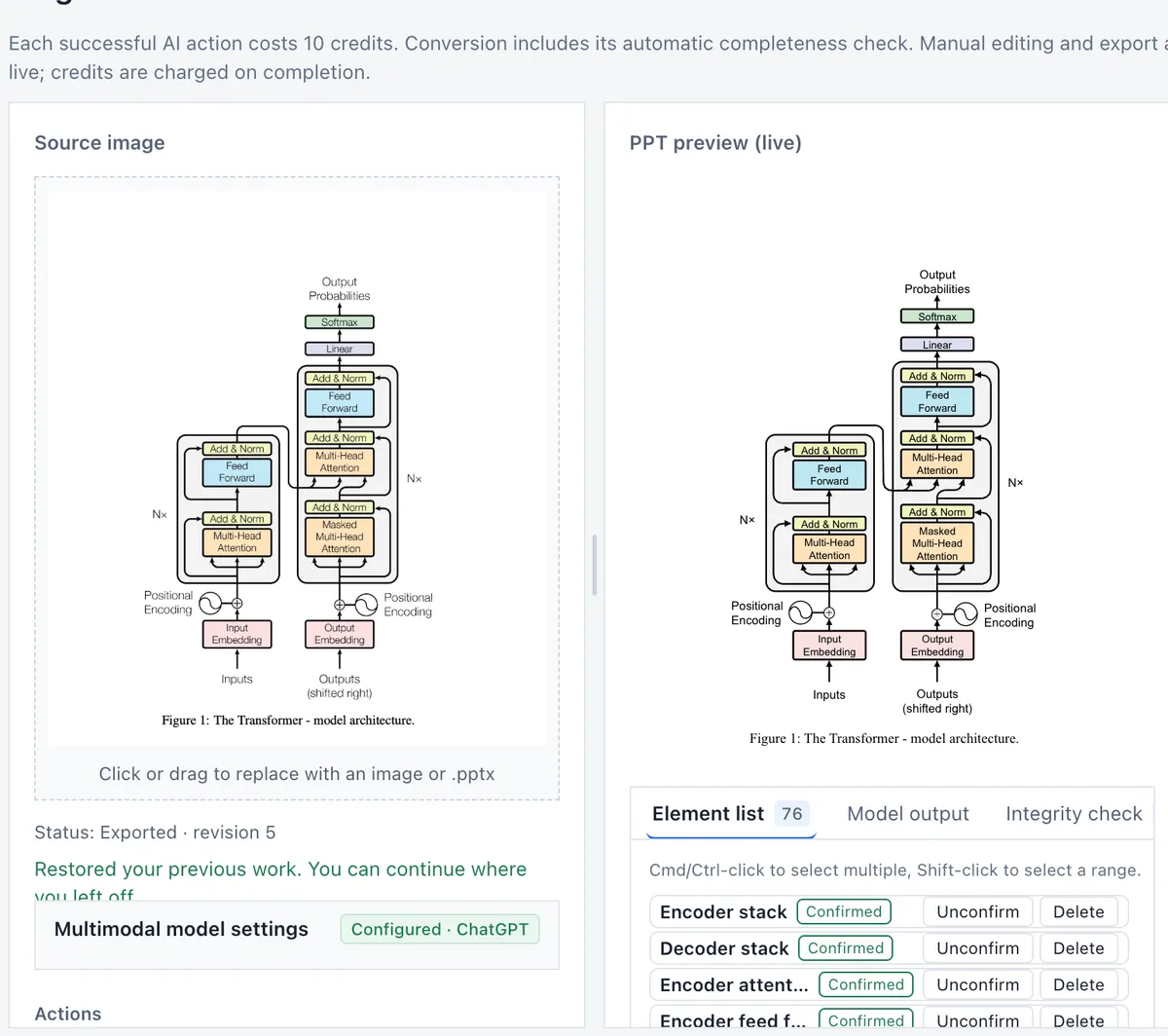
Image to slide: upload a JPG, PNG or slide screenshot and imagetoslide.com rebuilds the text, shapes and tables as native elements you can edit, then export as a .pptx. A ChatGPT image converts the same way.

An image to slide walkthrough: upload a screenshot, rebuild the elements, review the result and export a .pptx. Demo duration does not represent processing time, which varies with image complexity, model response and revisions.
An image to slide conversion ends with native PowerPoint objects: eight vector types plus two kinds of images, so text still types, tables still take edits and icons still recolour.
See the full element list| Element | In PowerPoint |
|---|---|
| Text | Text box, type directly |
| Box / ellipse / line / polygon | Native shape, editable points |
| Table | Native table, editable cells |
| Icon | Vector shape, recolour and scale |
| Cutout / web image | Native picture object |
Drop a screenshot, a JPG or PNG, or a page of an existing .pptx.
The model returns coordinates and properties; we validate and draw while it streams, so an image to slide result builds up in front of you.
Adjust elements and layout as needed, then download a .pptx that stays editable in any PowerPoint.
An image to slide conversion is not the last step: gaps are filled first, then the render is compared against the source image.
Elements missed by the first pass are added back, and each finding is either fixed or surfaced by severity.
The preview draws as soon as the model starts emitting elements, instead of waiting for the whole JSON.
The rendered slide goes back to the model next to the source, so position, colour and size drift get caught.
Selected elements join the conversation as references, and only they are changed. Without a selection, say something like "Optimize everything" or "Align the funnel on the right with the original image". imageToEditablePPT-Agent diagnoses first, fixes the issues it is confident about, and lists the rest as suggestions for you to pick.
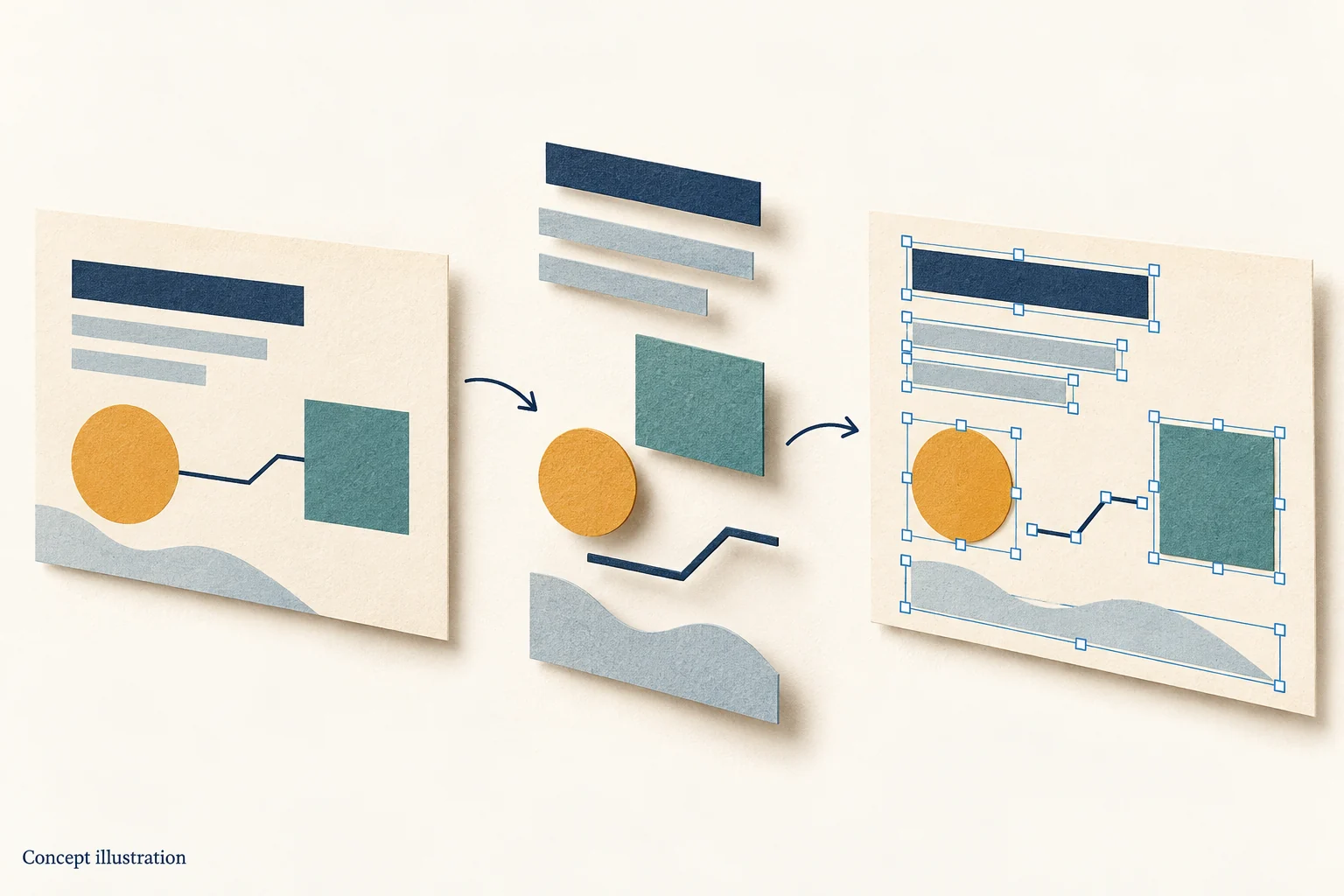
Plenty of old decks survive only as exported images — the most common image to slide case. Upload the picture as the source and the elements are rebuilt, not embedded as one flat image.
See the full flowA layout generated by ChatGPT or Midjourney decomposes the same way: text, blocks and icons become separate objects, so an image to slide pass can change the copy without redrawing the page.
See the full flowEverything an image to slide conversion does — how each element is handled, and what each step in the pipeline is doing.
All guidesImage to slide runs entirely in the browser, and the exported file depends on no plugin.
See pricingYes. In an image to slide export, text is a text box rather than a picture; tables are native tables, icons are vector shapes, and only cutouts and web images are picture objects.
Image to slide accepts JPG, PNG, GIF and WebP. The sharper and more regular the screenshot, the more accurate the decomposition.
Yes, one slide at a time. It is converted to editable elements by fixed rules, and the conversions are listed.
Real objects. Apart from images, every element in an image to slide export is native PowerPoint, so you can select, edit and rearrange each one.
No. An image to slide conversion uploads and exports in the browser, and the .pptx opens in PowerPoint, Keynote and WPS.
Icons come from a built-in library, or from a link you paste. Photos are cropped from the source image and placed on top as native picture objects.