Why JPG is the hardest input
JPG to PPT starts from a lossy format: text edges pick up noise, hairlines smear, and flat backgrounds develop blocks. There is no text layer either, so every coordinate has to be measured out of the pixels rather than read from a file.
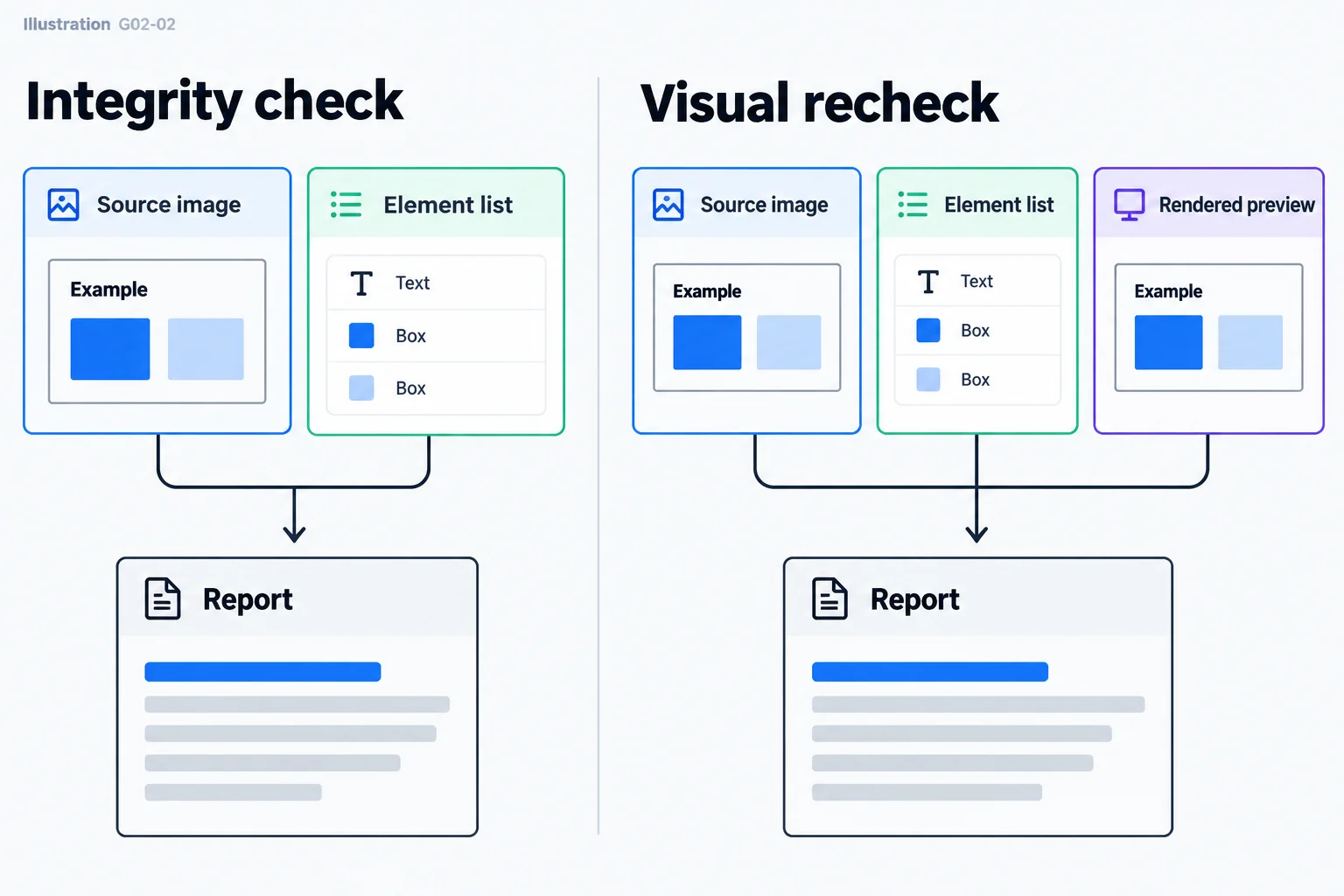
The JPG you upload decides the result
Use the largest, least-compressed copy you have. With a thumbnail or a re-shared image, small type blurs first and the model has to guess; the same page uploaded at full size gives far more stable titles and body text.
What JPG to PPT gives you back
Text comes back as typeable text boxes, blocks and lines as native shapes, tables as native tables with editable cells, icons as vector shapes, and photos cropped out of the JPG as picture objects. The deck exports as a standard .pptx that stays editable in PowerPoint, Keynote and WPS.
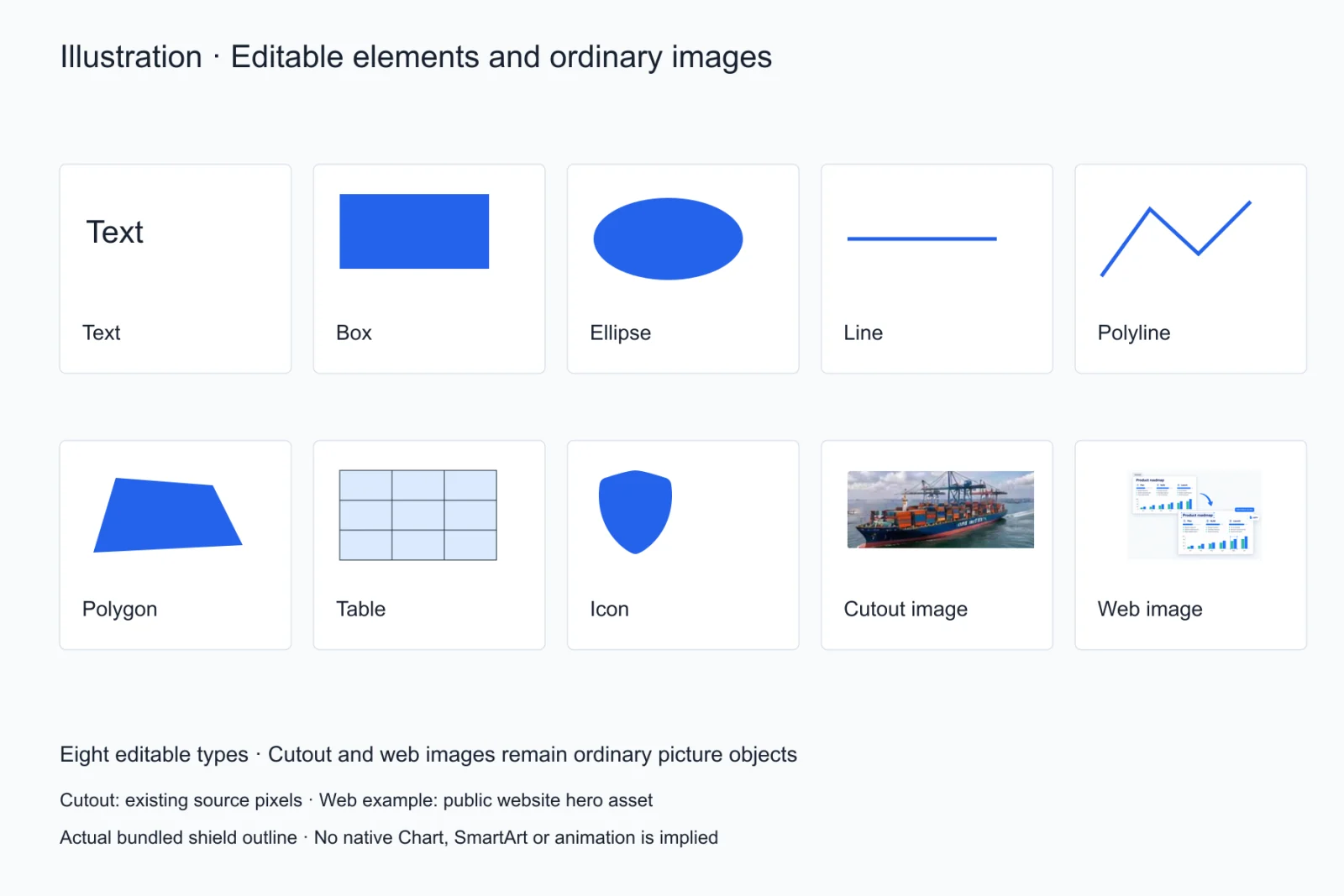
Where JPG to PowerPoint stops
A JPG to PPT conversion loses detail on hand-drawn illustration, complex gradients and decorative lettering, and heavily compressed pages make the detector more conservative. Reviewing the result in the editor right after conversion is faster than hunting for mistakes later in PowerPoint.
What a JPG to PPT pass loses most often
The first things to go are weight and type hierarchy: in a JPG a heading and its body differ only by a few pixels of height, so a second-level heading easily comes back at body size. Next are hairline tables, where a one-pixel rule turns into a grey fringe under compression and gets read as background. Both are worth a zoomed-in pass in the editor.
Convert page by page, or hunt for the source file first
If the original .pptx or Keynote file still exists, editing that is always cheaper. JPG to PPT is the right call only once the source is genuinely gone. The test is simple: ask the people who touched the file, then search the shared drive sorted by modification date, and start converting only after ten minutes of looking turns up nothing.
What a bad JPG to PPT pass actually costs
Getting one element wrong is not a one-line fix: everyone downstream then edits against the wrong baseline. So before exporting a JPG to PPT result, run three checks: heading levels, row and column counts in every table, and whether icons were flattened into pictures. Once those hold, hand the file on.
You do not have to rescue the whole deck at once
Convert the three pages people actually cite first, confirm the type, sizes and colours are acceptable, then decide whether the rest earns the credits. If those three come back consistently conservative, the source resolution is the problem: find a sharper copy before continuing, which is far cheaper than stopping halfway through the deck.
Questions
Does JPG compression hurt the conversion?
Yes, but it is manageable: lighter compression and higher resolution both help, and small type and hairlines are the first things to suffer.
Can I use a photo of a screen?
Yes, but perspective skew, glare and moiré make measurements less accurate. Prefer a real screenshot; if a photo is all you have, shoot it square-on and avoid reflections.
Can I convert several JPGs at once?
One page at a time for now: each JPG to PPT job maps to one slide.
I only have JPG versions of my slides — how do I get editable PowerPoint?
Start from the largest copy you still have, convert one page at a time, then use the completeness check to catch missed elements. The original font name cannot be recovered from a JPG, but text, shape and table structure can be rebuilt.
Can JPG to PPT restore the original font?
No. A JPG carries no font data, so the type is matched by visual characteristics to a close available font. Replacing fonts across the deck in PowerPoint after export beats fixing them page by page.
How long does a JPG to PPT conversion take?
Usually under a minute for one page, longer when the page is dense. Elements are drawn while the model streams, so you watch them appear instead of waiting on a blank screen for one final paint.