Screenshots are the common input, and the easiest to get wrong
A capture often carries browser chrome, a cursor or a system toast, and may have been scaled. Crop the surrounding UI away before uploading so only the slide itself is measured.
How UI-shaped slides are handled
Cards, data bars and navigation strips are made of rectangles and text, which is exactly what this handles: each card is a shape, titles and captions are separate text boxes, and a progress bar is a rectangle rather than a sliced image.
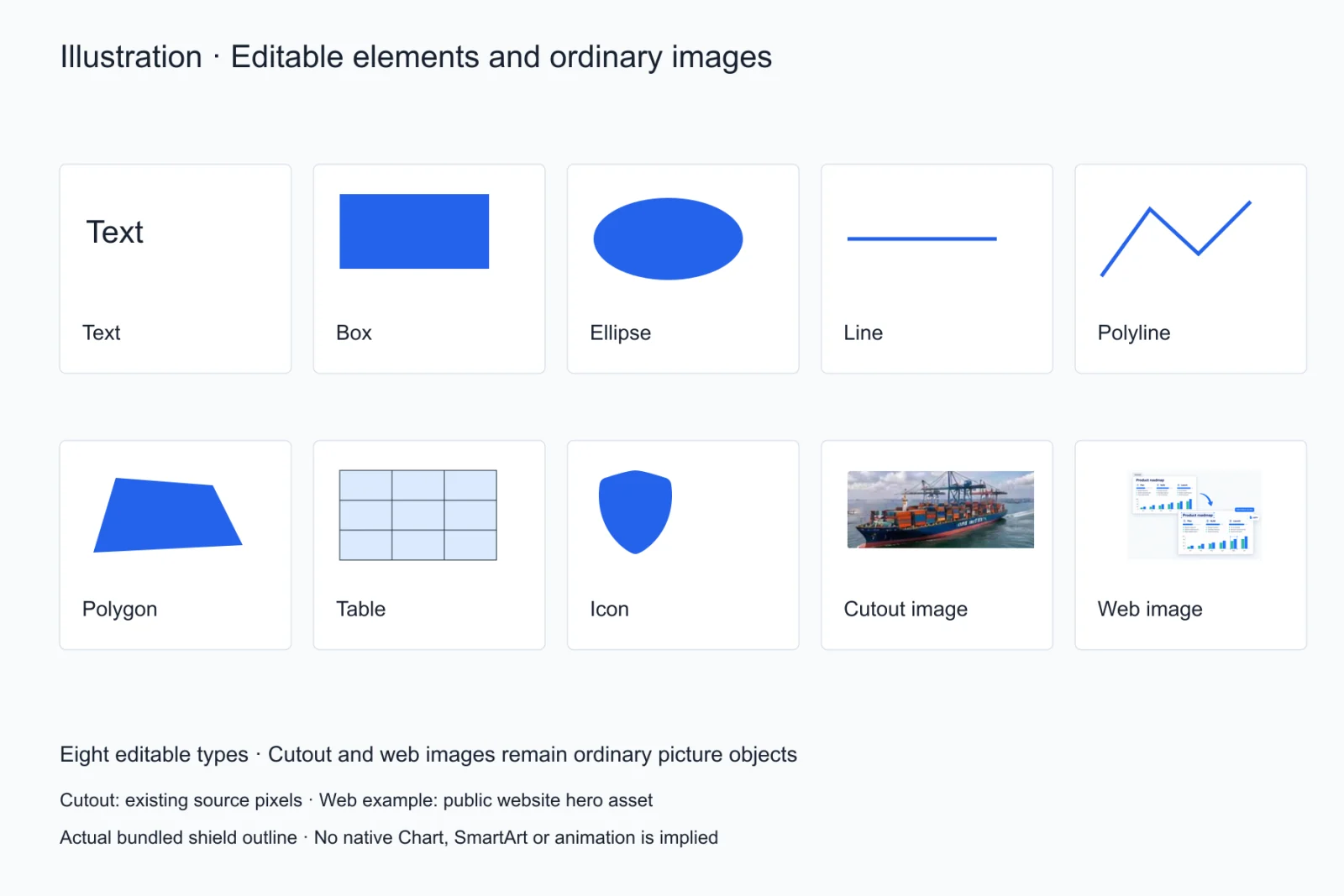
After screenshot to PowerPoint
After screenshot to PPT, edit copy, colours, alignment and stacking in the browser, then export a .pptx. Position drift can be described in chat or fixed by dragging directly.
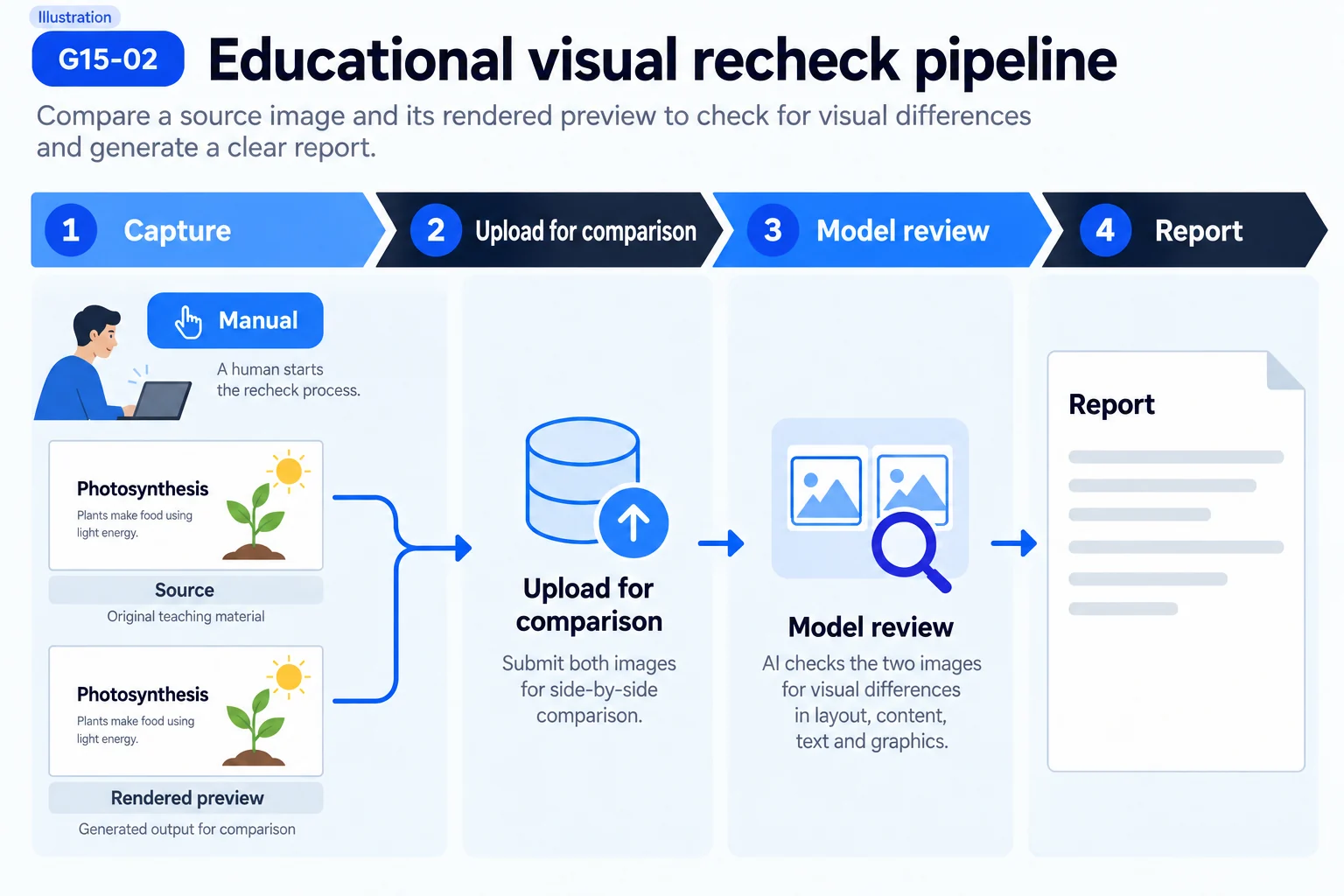
Which screenshots fail
Blurry captures, images re-shared through several compressors, and heavily gradient-heavy artwork degrade noticeably. The sharper the text and edges, the closer the rebuild gets to the original.
The crop that decides the result
A full-screen capture usually carries three layers: the slide itself, the browser or meeting app around it, and your own desktop. The last two get recognised as page content and turn into stray shapes and text boxes. Re-frame with the system capture tool so only the slide boundary is selected — that single step beats any amount of later fixing.
Why meeting and course captures are the most common input
In both cases someone else built the deck and all you have is what you saw on screen. Reusing an architecture diagram, a flow or a data page means starting from the capture. Screenshot to PPT matters here because it preserves the structure: the figure still looks the same, but every box, connector and line of text becomes an object you can edit.
The three edits people make after a pass
Recolour to the brand palette, replace the numbers with your own, translate the heading. On a capture each of those means redrawing the page; once the elements are objects they are a fill change, a text edit and a text edit. The gain is not that the screenshot to PPT conversion is fast — it is what the next ten edits cost.
The resolution floor for a capture
For a screenshot to PPT pass, body text needs at least twelve pixels of height; below that only the outline survives. When the source cannot clear that bar, re-capture rather than push through: zoom the page to 150% before shooting, or use a 2x capture. Half a minute spent there saves far more than hunting for misread characters afterwards.
Whether to keep the source capture
Keep it. The result usually lands close, but when there is a dispute — whether a digit is a 3 or an 8, whether a label read "Q3" or "03" — only the capture settles it. Store the source next to the exported .pptx and compare once while editing, which beats working from memory. It is also what makes a report actionable: when a screenshot to PPT result comes back wrong, the original is what tells us whether the fault is resolution, compression or an unsupported element type.
Does a pass cost anything
Signup includes 10 free credits with no card, and each screenshot to PPT pass draws from that balance; the pricing page lists the exact amounts.
Questions
Can I upload a full-screen capture?
Screenshot to PPT accepts a full-screen capture, but crop to the slide area first — extra UI gets treated as page content.
Do phone screenshots work?
Yes, but phone captures are portrait and often low-resolution, which makes a landscape slide harder to rebuild.
Is the text editable after conversion?
Yes. Text comes back as native text boxes, not pictures, so you can retype it and change size or colour.
Can screenshot to PPT handle a slide that is entirely one photo?
It still runs a screenshot to PPT pass, but the result is essentially that photo as one picture object. There was no text or shape structure to pull apart, and the conversion does not invent any.
What if the result comes back clearly wrong?
Check that nothing overlays the capture and that it has not been recompressed, then try again. If the same page keeps failing, send us the source and the result — samples like that go straight into improving the detector.