What GPT returns is pixels, not a deck
gpt-image, DALL·E and ChatGPT all return a bitmap: one fixed-size PNG with no text layer, no shape objects and no table. It looks like a finished slide, yet every element is fused to the next, and the job here is pulling those elements apart again.
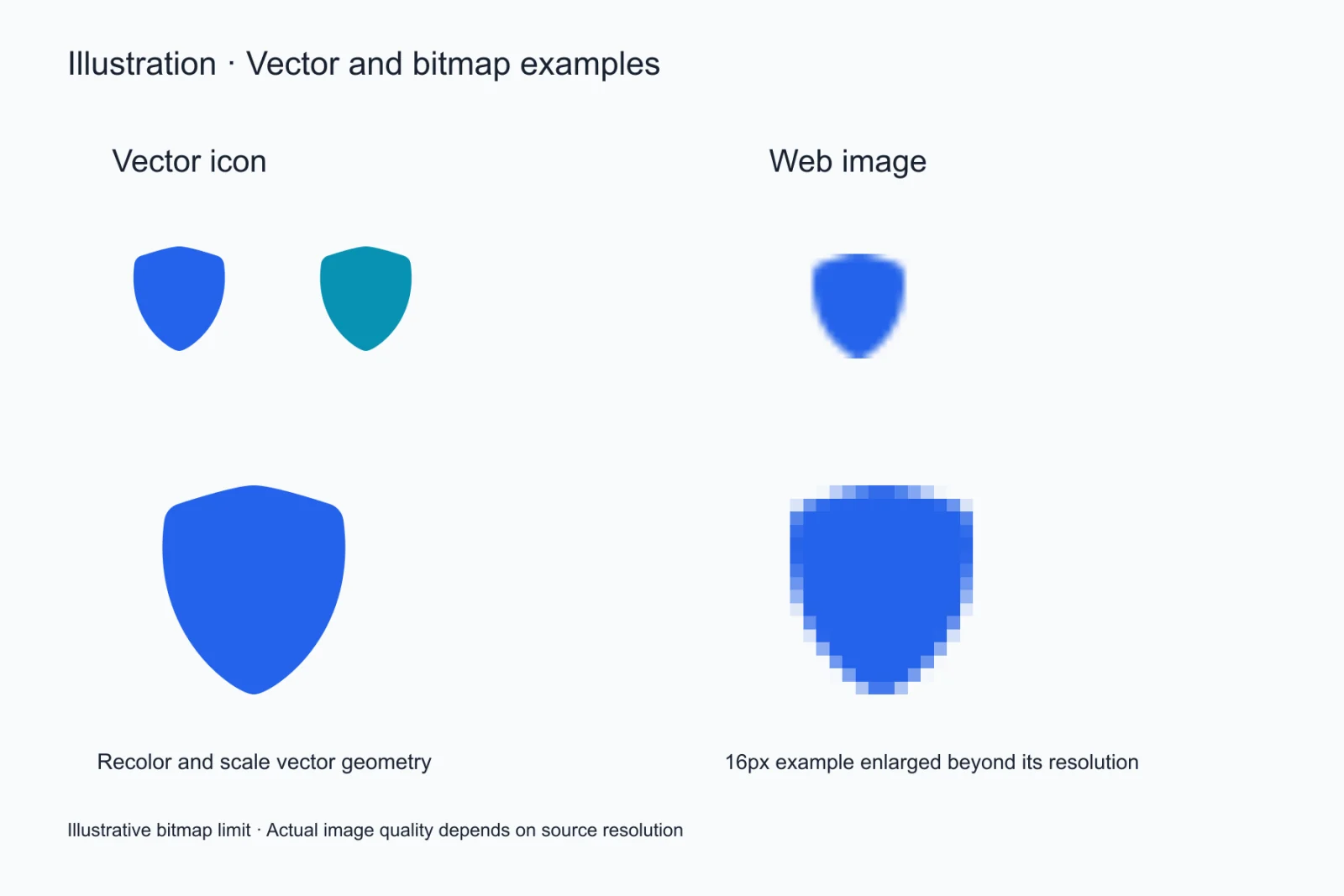
Resolution decides whether the text survives
These models usually return a frame around 1024 pixels wide, where body text stands only a dozen pixels tall and stroke detail starts to vanish. To give the conversion something workable, ask for fewer words per slide, a 16:9 frame, strong contrast, or simply render a larger image.
What is actually inside the exported .pptx
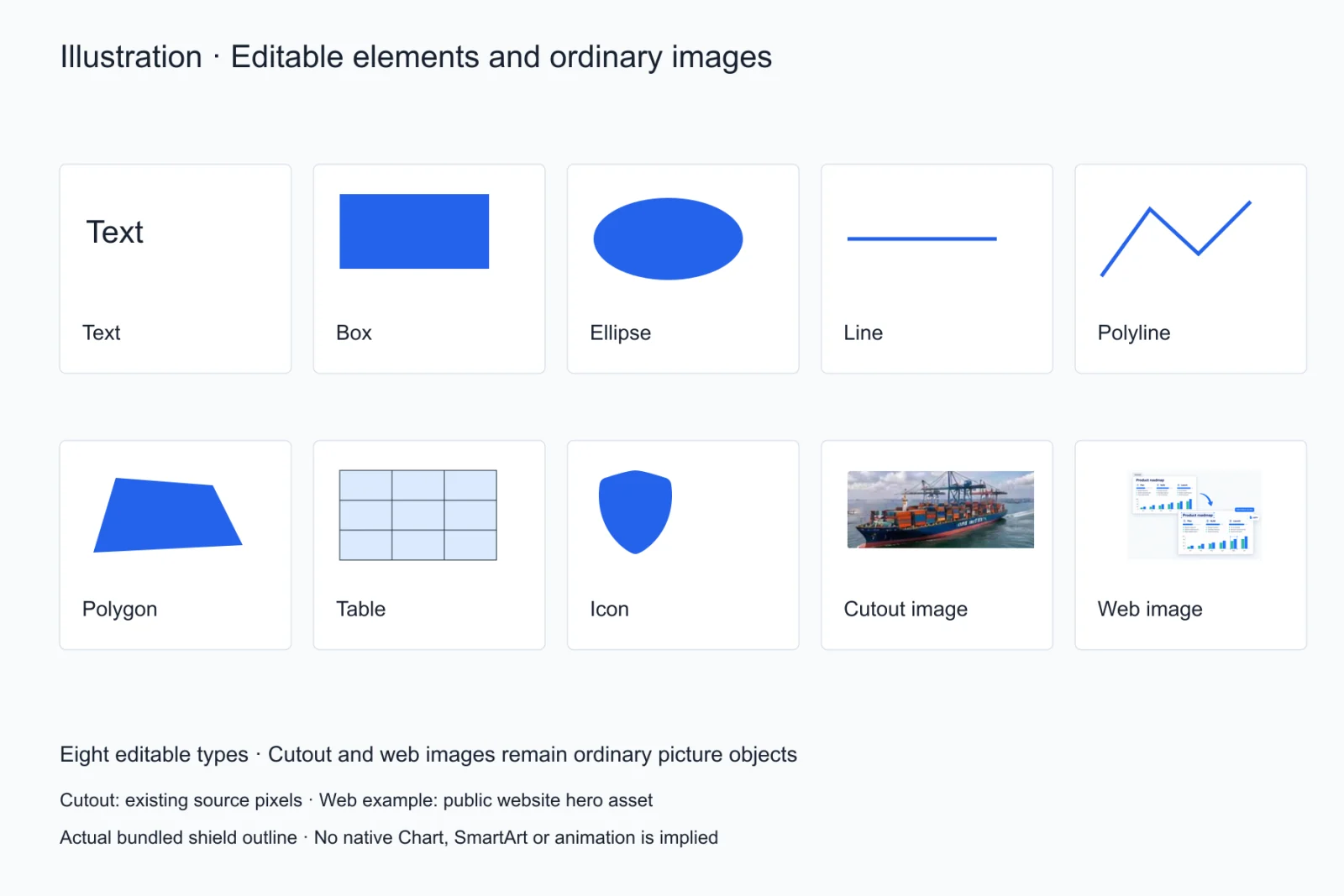
After conversion, titles and body copy are text boxes you can type in, colour blocks and rules are native shapes, tables are native tables with editable cells, icons are vector shapes, and photos are cropped out of the render as picture objects at their original depth. That is what GPT image to PPTX delivers: layout and elements, not a flattened page.
Where GPT image to PPTX stops
Heavy texture, strong gradients and decorative display type degrade, charts come apart as editable drawings rather than native chart objects with a data series, and misspellings already present in the render are reproduced as they are. Read the page in the editor before exporting; it beats finding the errors later in PowerPoint.
The size and layout constraints of gpt-image
These models lean toward a near-square frame, which leaves extra bands above and below a 16:9 slide. There are two fixes: ask for 16:9 explicitly, or crop the bands off before uploading. Cropping loses nothing and makes the page ratio match the export.
The three places to check after a GPT image to PPTX pass
Heading size first: a render often makes the title far larger than the body, and the conversion can flatten that ratio. Card spacing second: cards that look evenly spaced can differ by two or three pixels. Icon colour third: a translucent icon gets sampled as a solid, slightly grey fill. One look at each beats a general sweep.
The last step before you hand the file over
After a GPT image to PPTX export, open the .pptx once more in PowerPoint and check that no paragraph broke after the font substitution, no table got stretched, and no picture lost its edge. That minute decides whether the other side receives a file they can use or half-finished work that comes back to you.
Does the same page convert the same way twice
Within one model version the result is stable; it changes when the version or the prompt changes. So when a page comes back wrong, retry once with the same file to rule out a fluke, and only then change the input. That separates an input problem from a pipeline problem, and stops you rewriting a prompt that was never at fault.
Questions
Can you convert a ChatGPT image to PPTX?
Yes. Upload the generated slide image, let the elements come apart into objects, then export a native .pptx. The model itself will not emit a pptx, so the measuring step in between has to happen somewhere.
Is the download a real file or a renamed picture?
A real file. The export is a standard .pptx that opens in PowerPoint, Keynote and WPS; to verify, click the text on the page — if a single text box highlights instead of the whole page, it is not a flat picture.
Does the conversion cost anything?
Signup includes 10 free credits with no card. Each conversion and completeness check draws from that balance, and the pricing page lists the exact amounts.
Can a gradient background be decomposed?
No. Gradients and texture end up as one picture object at the bottom of the stack; the text and shapes above stay editable, but the background itself is not recolourable. If you need a flat background, replace that picture in the editor.
How many objects does one render decompose into?
It depends on density — usually somewhere between ten and a few dozen. The more elements there are, the more a GPT image to PPTX pass is worth checking one by one, since one drift drags its neighbours out of alignment.