Does Gemini accept PPTX?
Yes. Upload a .pptx and Gemini reads the text and structure out of it, answers questions about the content, rewrites it into an outline or helps reorder the story. What it reads is the file, not pixels, so this stage needs no decomposition.
Can Gemini make a PPT?
It can give you an outline, the copy, and a rendered slide image, but it does not measure the coordinates of every element inside your screenshot, so it will not hand back a file where each element is separately selectable. That measuring pass is what Gemini slide to PPTX adds.
Gemini slide to PPTX in three steps
First, export the page Gemini rendered, or capture it at full size. Second, upload that image and let text, shapes, tables and icons each become their own object. Third, edit in the browser and export a .pptx. None of the three steps sends you back to Gemini.
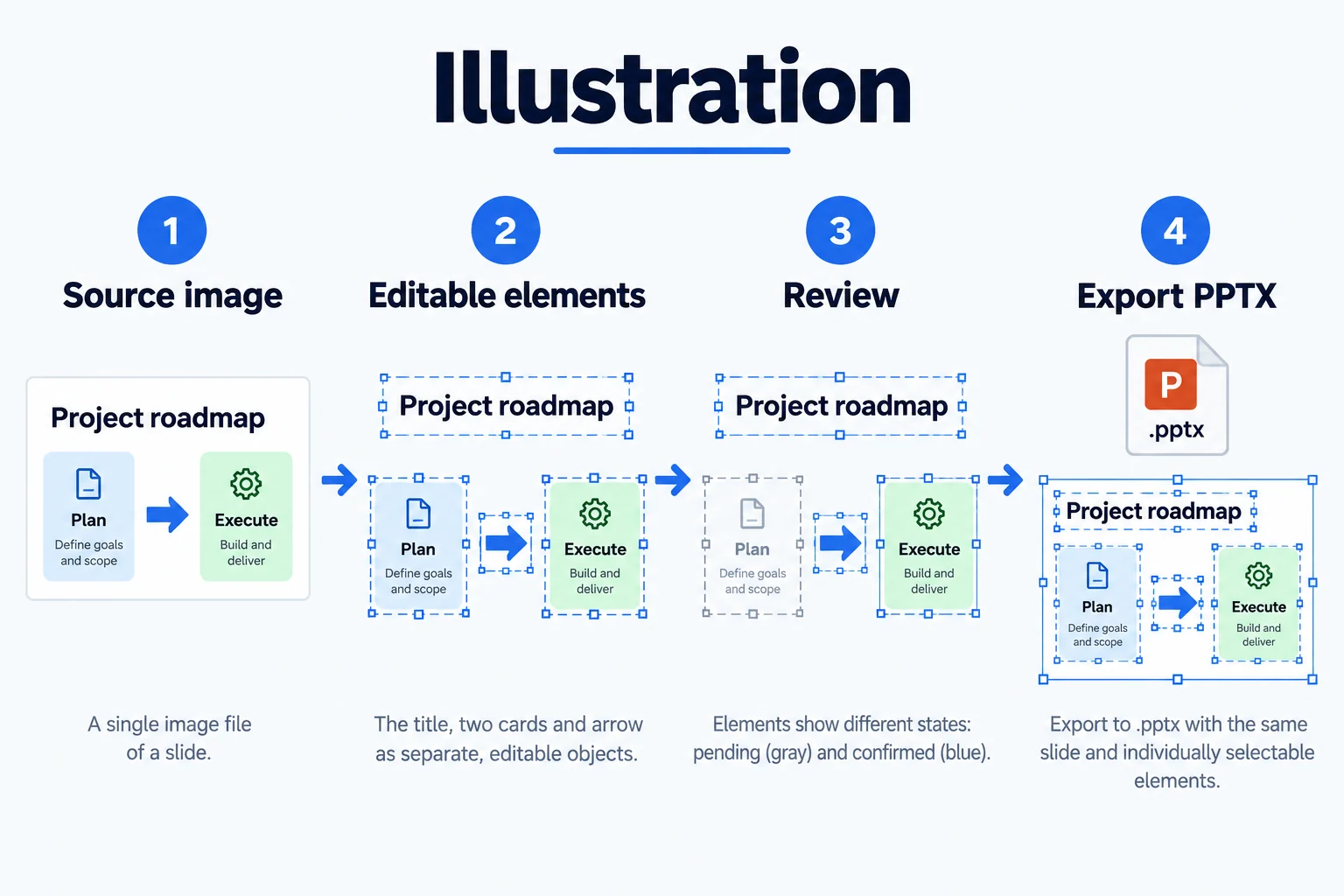
How Gemini-style layouts convert
Gemini pages tend to have generous whitespace, large headings and few colours, which makes them good input for a Gemini slide to PPTX pass: headline and body boundaries are clear and the geometry of cards and rounded rectangles is regular. Illustration backgrounds and heavy gradients are the trouble spots, and those end up as cropped pictures instead of shapes.
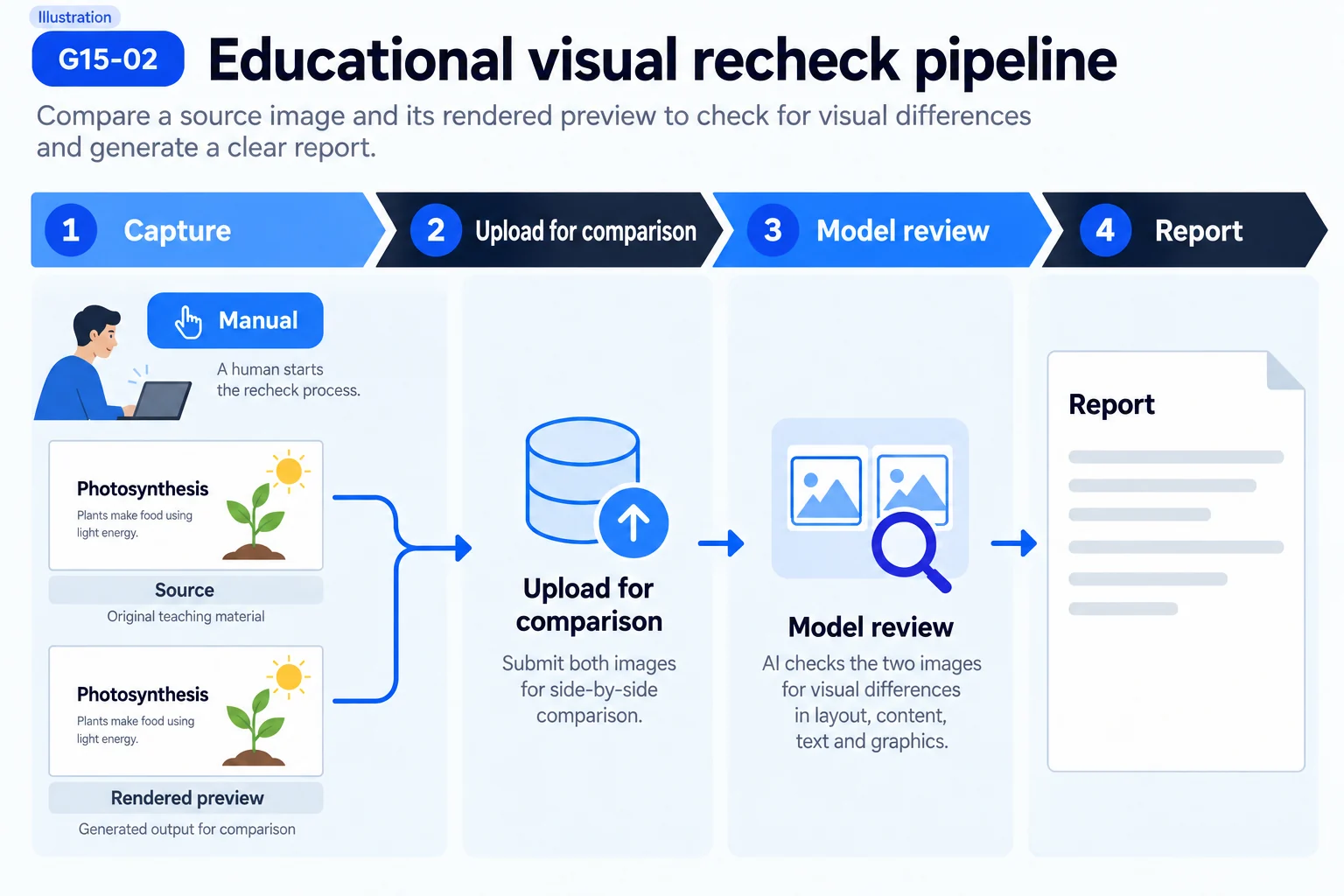
A Gemini outline is input, not output
Gemini is often used to produce an outline and speaker notes, and that output is text that pastes straight into PowerPoint with no conversion. What a Gemini slide to PPTX pass is for is the page it finally renders, or a reference layout you captured from it. The two are handled in completely different ways.
Where the chain from Gemini to PPTX breaks
The break is almost always export quality. The preview inside the Gemini interface is scaled by the browser, so right-clicking and saving usually does not give you native resolution. Capture at 2x with the system tool instead, or check whether the interface offers a download-original control before starting a Gemini slide to PPTX pass.
Three traits of a Gemini layout
First, the heading is far larger than the body, so the hierarchy is steep. Second, the palette is narrow, usually two or three colours. Third, cards and blocks use generous corner radii. All three help: fewer shape types, clear boundaries, and fewer manual fixes after the pass.
Handle the script and the render as two separate jobs
A steadier way to run a Gemini slide to PPTX job is to keep the two lines apart: paste the script into the notes pane, and treat the rendered page as a separate decomposition. Mixed together, the usual failure is that a script edit never reaches the on-slide text, or the other way round. Kept separate, each side gets one check after its own edit.
Convert only the pages you actually present from
Credits are charged per page, and most of a growing reference folder never reaches a deck. Keep the rest as images and run a Gemini slide to PPTX pass on a page only once it earns a place in the presentation.
Questions
Does Gemini accept PPTX files?
It does accept them. You can upload a .pptx for Gemini to read and summarise; reading that file does not make Gemini produce a new editable deck.
Will the text be accurate from a Gemini screenshot?
As long as the capture is full size and has not been recompressed, body text converts reliably. A thumbnail that travelled through a few chats blurs small type first, and the conversion has to guess.
Can I change fonts after converting?
Yes. Text stays a native text box, so the font, size and line spacing are all editable; the font Gemini used is not preserved, it gets matched to a close available one.
Can Gemini turn an image into a PPTX directly?
No. It reads and writes file content and it generates images, but nothing in it measures a bitmap into PowerPoint objects, so no Gemini slide to PPTX conversion happens inside it.
What about a watermark on the render?
It gets recognised as a page element, usually a stray text box or a small icon. Delete it in the editor after the Gemini slide to PPTX pass instead of regenerating.