Convert image-based PPT to editable PPT: export the pages first

Some .pptx files hold one full-page screenshot per slide: a deck someone forwarded, an export from a design tool, a scanned archive. Importing such a file still gives you pictures, which is why you convert image-based PPT to editable PPT by exporting the pages first.

Concept illustration of image to slide conversion, from a flat screenshot to individually editable text and shapes

Live tool · free to try

Drop an image in and start converting

JPG, PNG, screenshots and .pptx — text, shapes and tables stay individually editable afterwards.

Each successful AI action costs 10 credits. Conversion includes its automatic completeness check. Manual editing and export are free. Preview streams live; credits are charged on completion.

Connecting to the local service…

Source image

Click or drag an image or .pptx here to upload
Status: Waiting for upload · revision —
Multimodal model settings

Actions

PPT preview (live)

Waiting for analysis results

Cmd/Ctrl-click to select multiple, Shift-click to select a range.

Waiting for analysis results

Properties

Select an element

Click the canvas or object list to edit text, position and appearance.

AI Assistant

Select elements to edit, or ask to "Optimize everything".

Key points

Why importing the .pptx does not make it editable

Importing a .pptx restores what the file already contains: real text boxes stay text boxes, shapes stay shapes, and a full-page picture stays a picture. An image-based deck carries no decomposable structure, so the import can only return picture objects.

What it takes to convert image-based PPT to editable PPT is bitmap decomposition, which happens on the image rather than inside the file structure.

Step one: export every slide as PNG

The first step to convert image-based PPT to editable PPT is exporting every page as a PNG. In PowerPoint use File → Export → Change File Type → PNG and choose all slides, which writes a folder with one image per page; alternatively save as PDF and convert the PDF to images. Do not substitute screenshots — they bring in UI chrome and compress the page a second time, and small type goes first.

Step two: convert only the pages that need editing

Each job is charged per page, which is what keeps convert image-based PPT to editable PPT affordable: a fifty-page legacy deck is not worth converting in one go. List the pages whose copy, numbers or branding actually change — usually five or fewer — convert those first, and decide about the rest afterwards.

Step three: convert page by page and check the result

One image per job: upload it and the rest is the familiar image to PPT pass — text, shapes, tables and icons become separate objects — then check heading levels, table dimensions and icons in the editor. Each image-based PPT to editable PPT pass produces one page, and the exported .pptx can be inserted back into the original deck in PowerPoint.

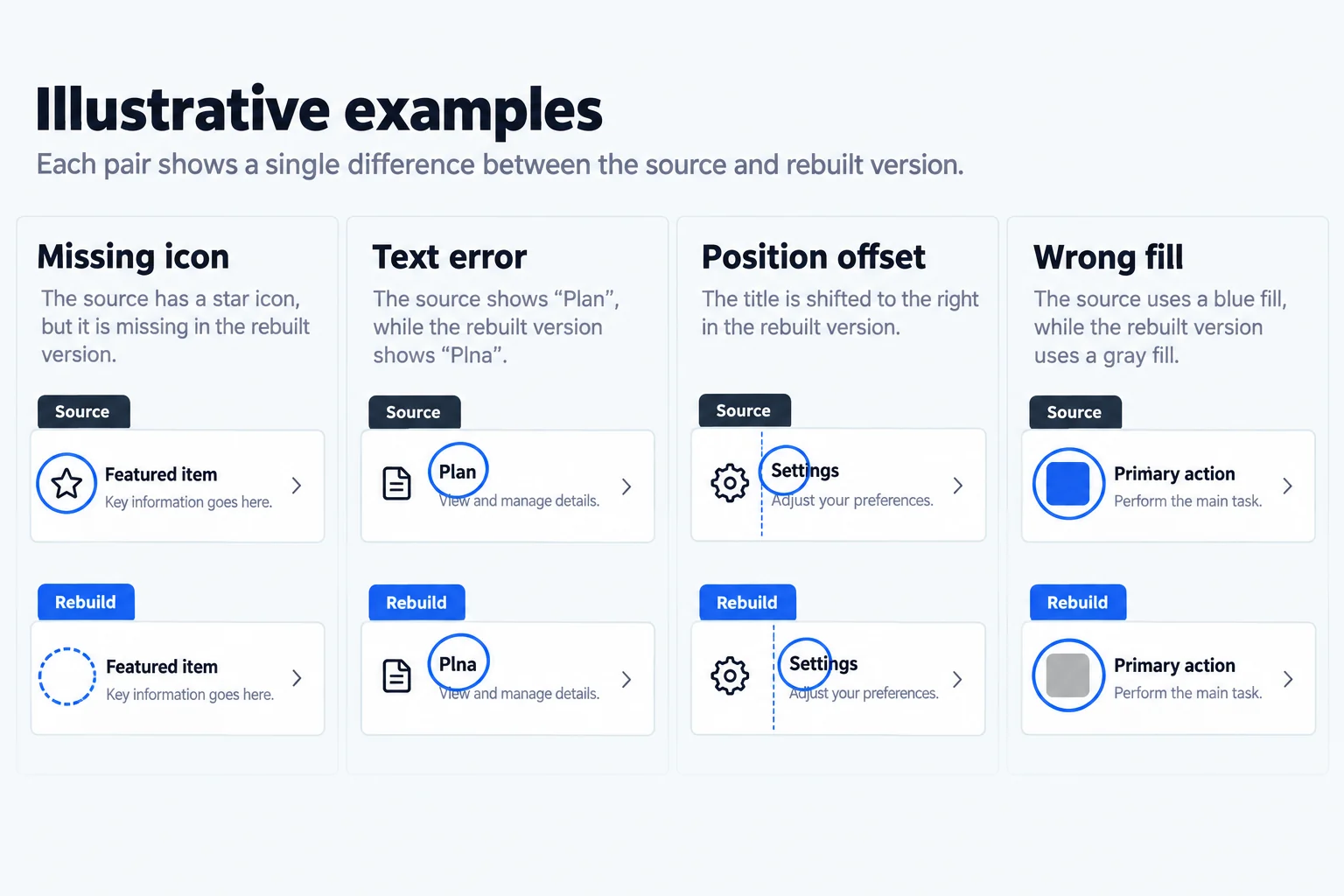
Examples of missing and incorrect elements found while checking
Check each page against the checklist before export

Straighten scans and photos first

Scanned decks carry skew, spine shadow and paper texture, and photos add perspective on top. All of it gets read as page geometry, which shows up as a tilted page and stray frames.

Straighten and crop in a scanning app before uploading, or straighten the page image in the editor, then convert.

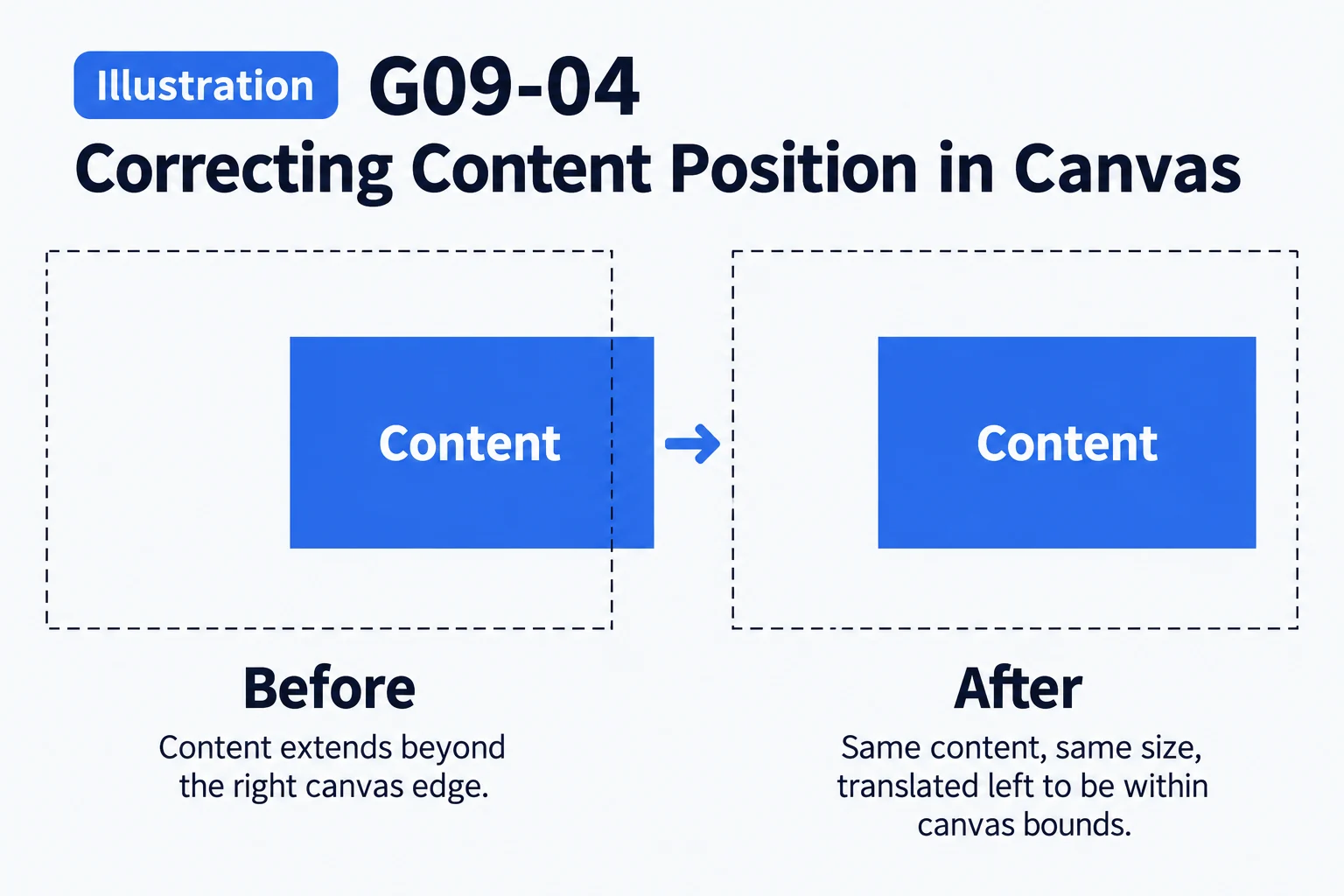
Out-of-bounds coordinates pulled back inside the canvas
Straighten and crop first so coordinates land inside the canvas

Key points

If the source file exists, use it first

A deck becomes image-based because someone exported whole pages from a design tool or flattened an old file for distribution. If the original .pptx, Keynote or design source still exists, editing it is always cheaper than decomposing images.

Confirm the source is genuinely lost before you convert image-based PPT to editable PPT. When the source still exists but only one page has to be rebuilt, image to editable PowerPoint starts from the single image.

Merging the converted pages back into one deck

Each converted page is its own .pptx. Use Reuse Slides in PowerPoint to pull the new pages into the original file, or copy the slides across; keep the master and speaker notes in the original and apply the layout to the converted pages.

Global elements such as footers and page numbers belong on the master, added once rather than per page.

Pick the page that matches what you have

A JPG, a PNG, a screenshot or an AI-generated picture — one page per input, each with the converter at the top.

Image to slide overview

Subscribe to image to slide, no install

Image to slide runs entirely in the browser, and the exported file depends on no plugin.

See image to slide pricing
  • Native image to slide exportEvery image to slide export keeps text, tables and shapes as real objects, not one flat picture.
  • Shared image to slide creditsEach image to slide conversion and its completeness check cost credits per run; Pro chat edits are charged the same way.
  • Cancel anytimeCancel from the account page; image to slide exports you already made keep working.

Image to slide questions before uploading

Can I upload the .pptx directly?

It can be imported and edited, but a full-page picture is not decomposed automatically. Image-based PPT to editable PPT still needs each page exported as an image and converted on its own.

Is converting page by page slow?

A convert image-based PPT to editable PPT job usually takes under a minute per page, longer when the page is dense. Converting only the pages that change keeps the whole job far shorter than re-laying out the deck.

Why export PNG instead of taking screenshots?

The exports that feed convert image-based PPT to editable PPT keep native resolution and clean edges; a screenshot adds UI, scaling and a second compression pass, and small type and hairlines degrade first.

Do scanned legacy decks convert?

Yes, after straightening and cropping. Paper texture, spine shadow and tilt get treated as page elements, and cleaning them up first removes most manual fixes.

Can the converted pages be merged into one pptx?

Yes. Use Reuse Slides to bring each page into the original file, or copy the slides across. Apply the layout to the converted pages rather than overwriting the existing master.

Updated November 2026